

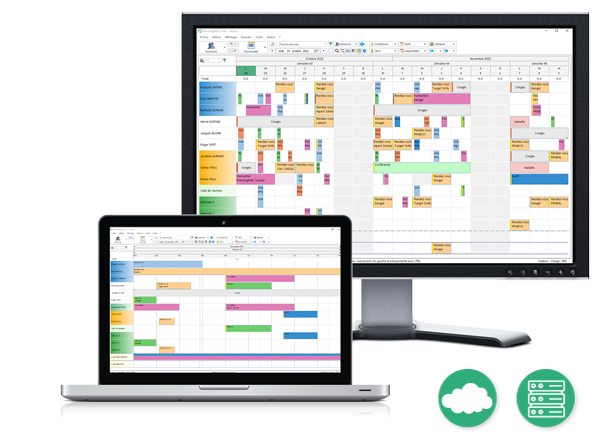
Choose PlanningPME and get started with the software easily and rapidly, thanks to its clear and user-friendly interface. Join our customers who trust us for the everyday management of their schedules of all types today.
Benefits of PlanningPME
Personalise your schedule
Event scheduling
Collaborative scheduling with real-time updates
Staff and access-rights management
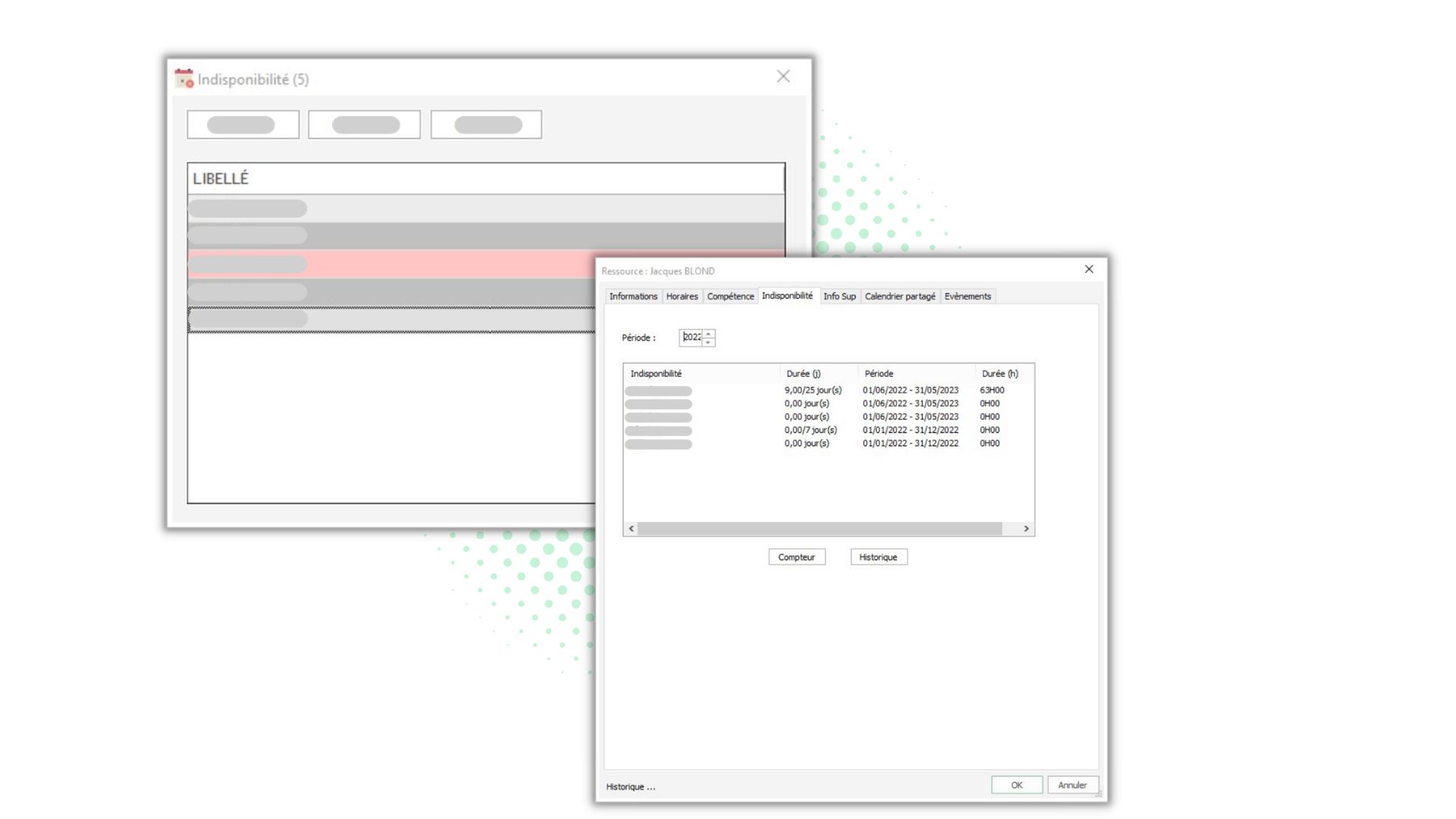
Resource-availability management
Absence management and leave tracking
Reports and statistics on Excel
Discover our planning and scheduling templates
In any company, choosing an effective and collaborative scheduling software is essential for improving the day-to-day time management and productivity. Just in case you are wondering: What is business scheduling software used for? Which software should I use for putting together my schedules? What would the benefits be for my company? You will very quickly see why you really need a schedule management tool such as PlanningPME.
Whether you are looking to manage staff absences and/or employee time, schedule meetings or project work, everything is provided to make organising your teams' schedule easier and to save you precious time.
Clear and visual activity tracking
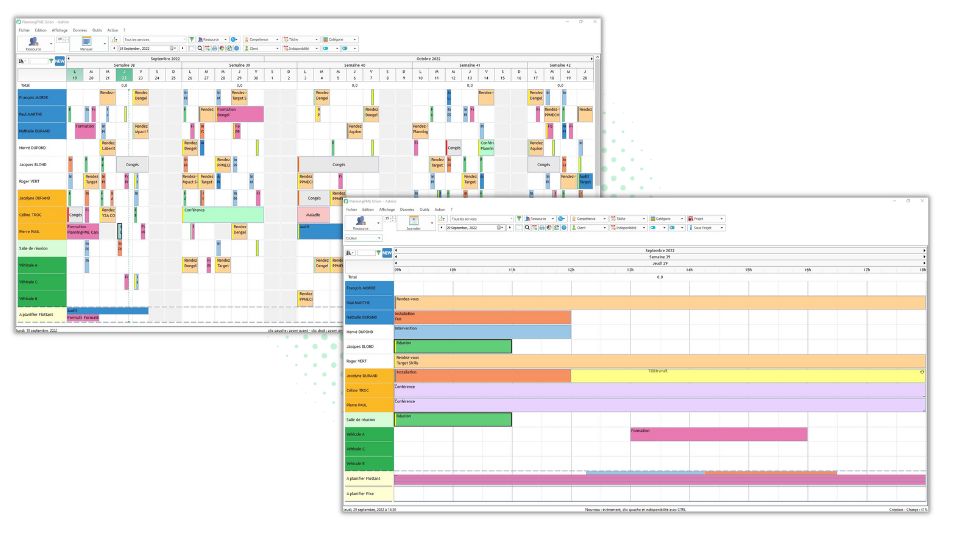
Manage the schedule of your resources and their activities in just a few clicks using the intuitive and user-friendly PlanningPME interface. Easily configure your working days and your time slots in order to tailor the software to your company's needs. Choose the schedule display type that works best for you if you are looking for a very precise picture (morning, afternoon or entire day) or, conversely, a big picture view of your planned schedule (weekly, monthly or even yearly schedule). Customise the items you would like to see and quickly filter the data in order to view the schedule for a specific department or individual.
Personalise your schedule
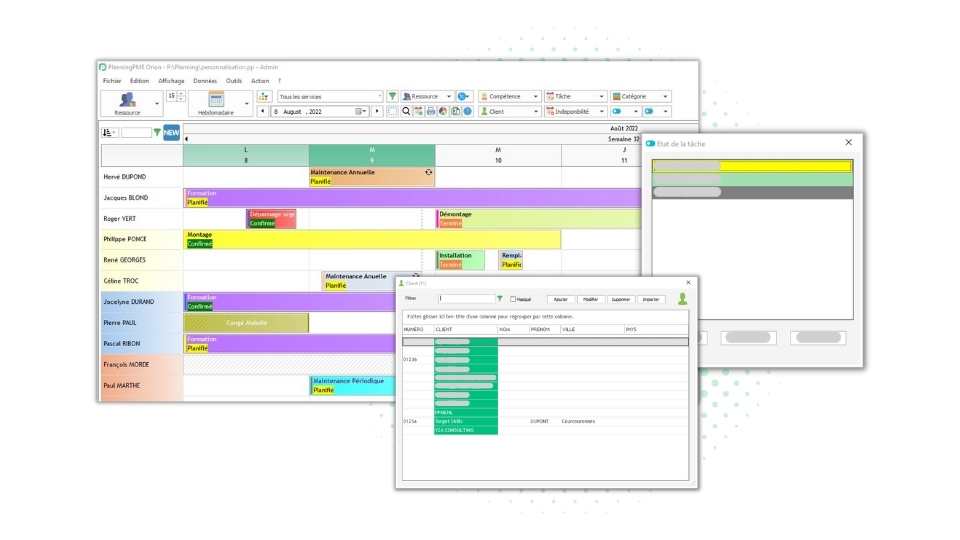
PlanningPME is a powerful schedule management software with a number of customisation options. Rename the terms used based on your business sector and assign specific colours in order to quickly identify tasks, customers, projects or services, for example. In addition, customise the appearance of your tasks and any items that you would like to highlight. Go even further with the use of the software and create your own additional fields so that you can tap into essential data for your purpose. PlanningPME can be perfectly tailored to your needs and preferences!
Event scheduling
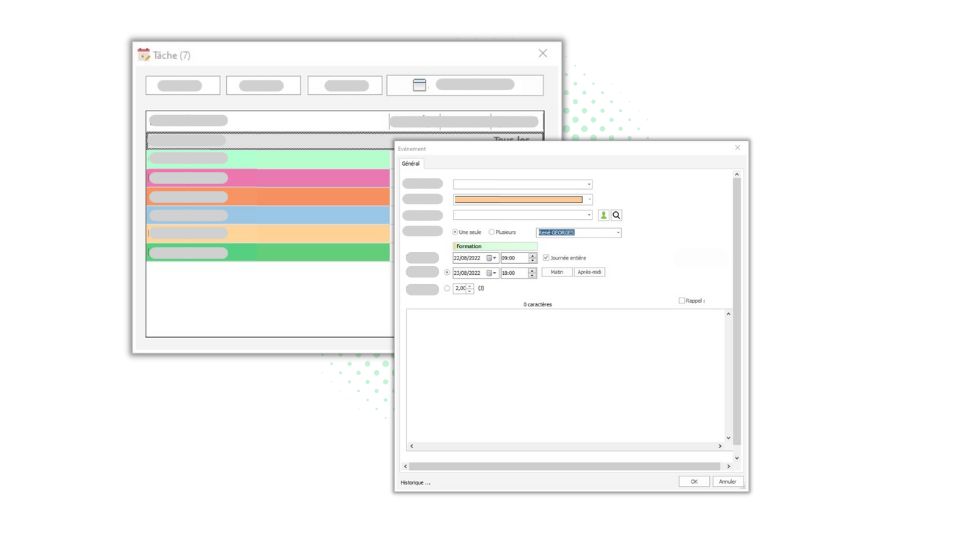
In addition, with PlanningPME, manage your employees' meetings, activities, training or work hours, as well as the availability of your vehicle fleet, room usage and reservations of any material resources. Save time when you are scheduling your events, thanks to practical features, such as copy and paste, drag and drop and also the "periodic task" function to organise your periodic tasks. Do you wish to indicate how a task is progressing or the status of your leave request? It's so simple: you can also share this information directly in the schedule!
Collaborative scheduling with real-time updates
PlanningPME is above all a collaborative scheduling tool, which can be used simultaneously by your employees. Any schedule changes can be seen in real time by all users. Automatic warning messages prevent any scheduling conflict and make it easier to use the software. Share your calendar with another person and synchronise PlanningPME with Google Calendar, Outlook, and many others. Access a complete record of any changes made by users in order to ensure that you miss nothing while tracking.

Staff and access-rights management
Control the access of all users to the scheduling software by determining precisely the reading and writing access rights.Attribute specific rights to employees so that they can, for example, view the schedule of one or more departments, or whether they can or cannot make changes to the events that are scheduled for a specific department. Conversely, you can restrict user access rights to information by allowing them to access information in their own schedule only. Create "Groups" with different settings (such as admin, manager and read-only) and add each user to a suitable group. Manage visible and modifiable information in PlanningPME!

Resource-availability management
Do you wonder whether a colleague is available, on site, working from home or already in a meeting? When you don't have business scheduling software, you can waste a lot of time every day trying to find out the answer to a question like this. With PlanningPME, this will become a thing of the past and you will be able to pick up the pace, thanks to your amazing scheduling system! In order to avoid any scheduling errors, a warning message will appear in order to indicate that an employee is already occupied and will therefore be unavailable to perform the task or service that you intended to assign to them.

Absence management and leave tracking
Do you need to go to see the doctor, go away on a trip or even request some leave? PlanningPME will become your best friend! Manage your absences and any type of leave within the software. Of course, don't forget to inform your line manager directly by e-mail. Speed things up and share information more easily with our scheduling software.
Reports and statistics on Excel
Do you need to know how many hours of work you have done over a given month, how many hours your technician has spent working for a client, or extract a summary table of employee absences ? Then our scheduling tool is made for you. You will be able to import a custom Excel report template directly into your scheduling tool. Once it has been imported, you will be able to export the data in your schedule to Excel without wasting time or losing any information, and this will also serve as your dashboard.
Reports and statistics on Excel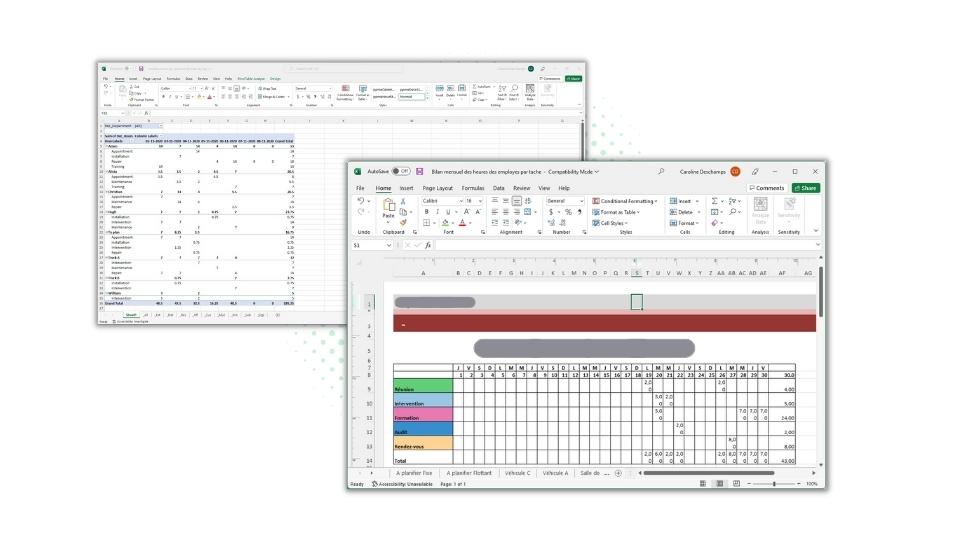
Discover our planning and scheduling templates
Do you wish to spend less time on scheduling your events ? Well, wait no longer! From our list of schedule templates, choose the one that corresponds best to your business and discover all the functionalities of PlanningPME. From the construction sector to the education sector, from the services sector to the automobile sector, PlanningPME can be tailored to your core business and make your life easier.
- Employee and team planning software
- Leave and absence planning
- Management of technicians' schedules
- Appointment scheduling software
- Construction scheduling software
- Project planning
- Time and attendance software
- Home working scheduling
- Room occupancy schedule
- Training scheduling software
- Tasks management software
- Garage scheduling software
- Online healthcare scheduling software
Can't find the right schedule type among our preset templates? Don't worry, just contact us and our advisor will help you work out what you need and get started with your software.